Knowledge & Resources

Understanding GeoSafe Assessments

Learn about GeoSafe's assessment approach, data sources, and platform capabilities.

Find what you need

Methodology

A plain-language explanation of the data sources, simulation models, and risk scoring methods used in GeoSafe assessments.

Read Methodology

Technical Docs

Full technical documentation covering data inputs, simulation parameters, output formats, and API reference for advanced users.

View Documentation

FAQ

Answers to the most common questions about how GeoSafe works, what the results mean, and how to interpret flood risk outputs.

Browse FAQ

Support

Have a question or issue? Contact the GeoSafe support team. Enterprise clients receive dedicated support with priority response times.

Contact Support

How GeoSafe assessments work

GeoSafe combines terrain, weather, infrastructure, and hazard information to support flood exposure screening and decision-making.

Important: GeoSafe provides screening-level decision-support information. Results are intended for planning, due diligence, and risk awareness. Site-specific design, regulatory, insurance, or engineering decisions should be reviewed by qualified professionals.

1
Terrain Data Acquisition

GeoSafe uses available Canadian terrain datasets and elevation information to establish the topographic basis for the assessment.

2
Flood Exposure Analysis

GeoSafe analyzes terrain, rainfall, and drainage characteristics to identify areas that may be susceptible to flooding or water accumulation.

3
Surface Characteristics

Surface characteristics are considered during the assessment process to improve screening results.

4
Asset Exposure Evaluation

Buildings and infrastructure are evaluated using a combination of terrain, exposure, and hazard indicators.

5
Potential Impact Assessment

Publicly available depth-impact methodologies are used to estimate potential property impacts for screened buildings and assets.

6
Report Generation

Reports include maps, assessment summaries, data references, and exposure indicators.
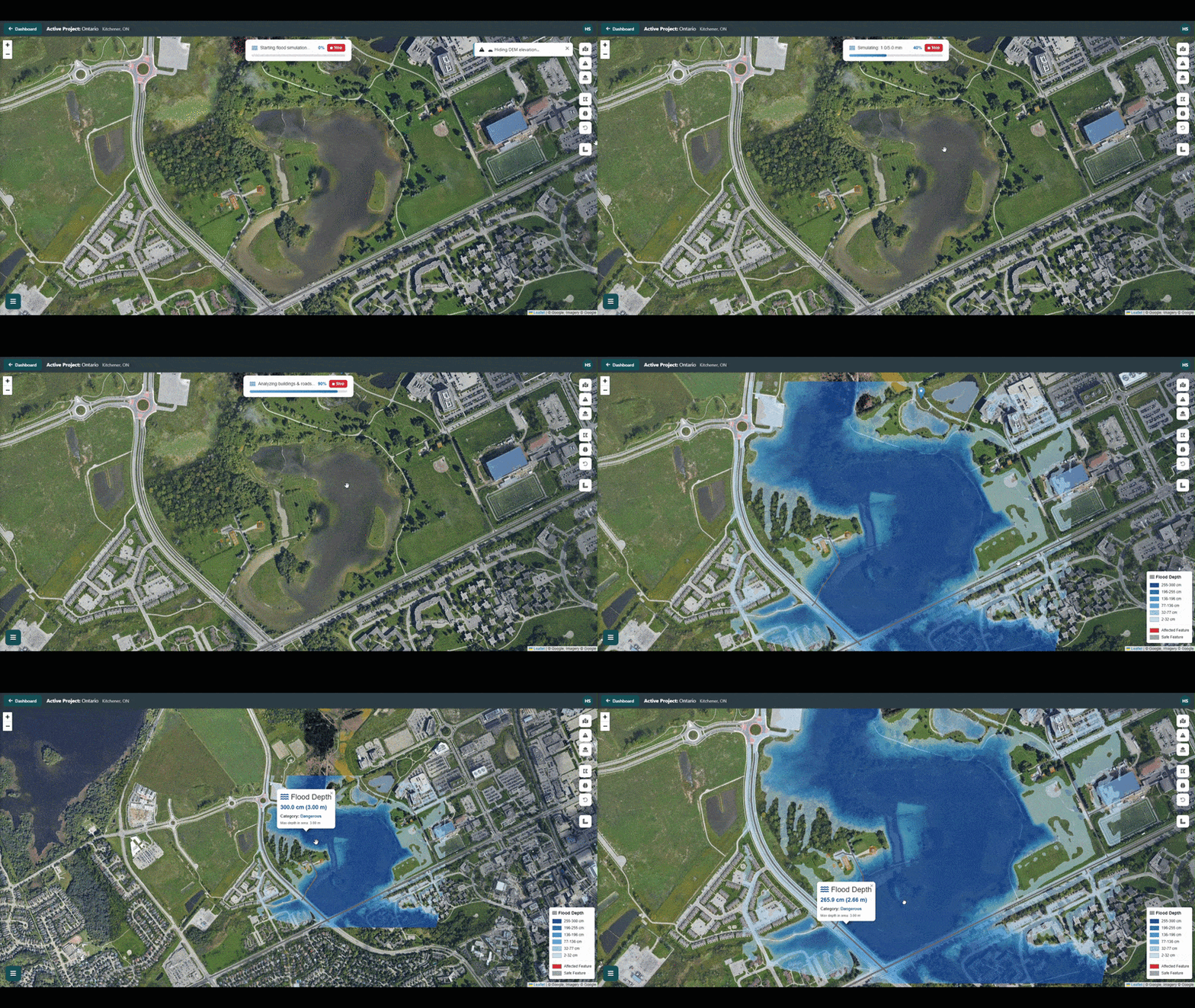
Flood Simulation

Flood exposure analysis in action

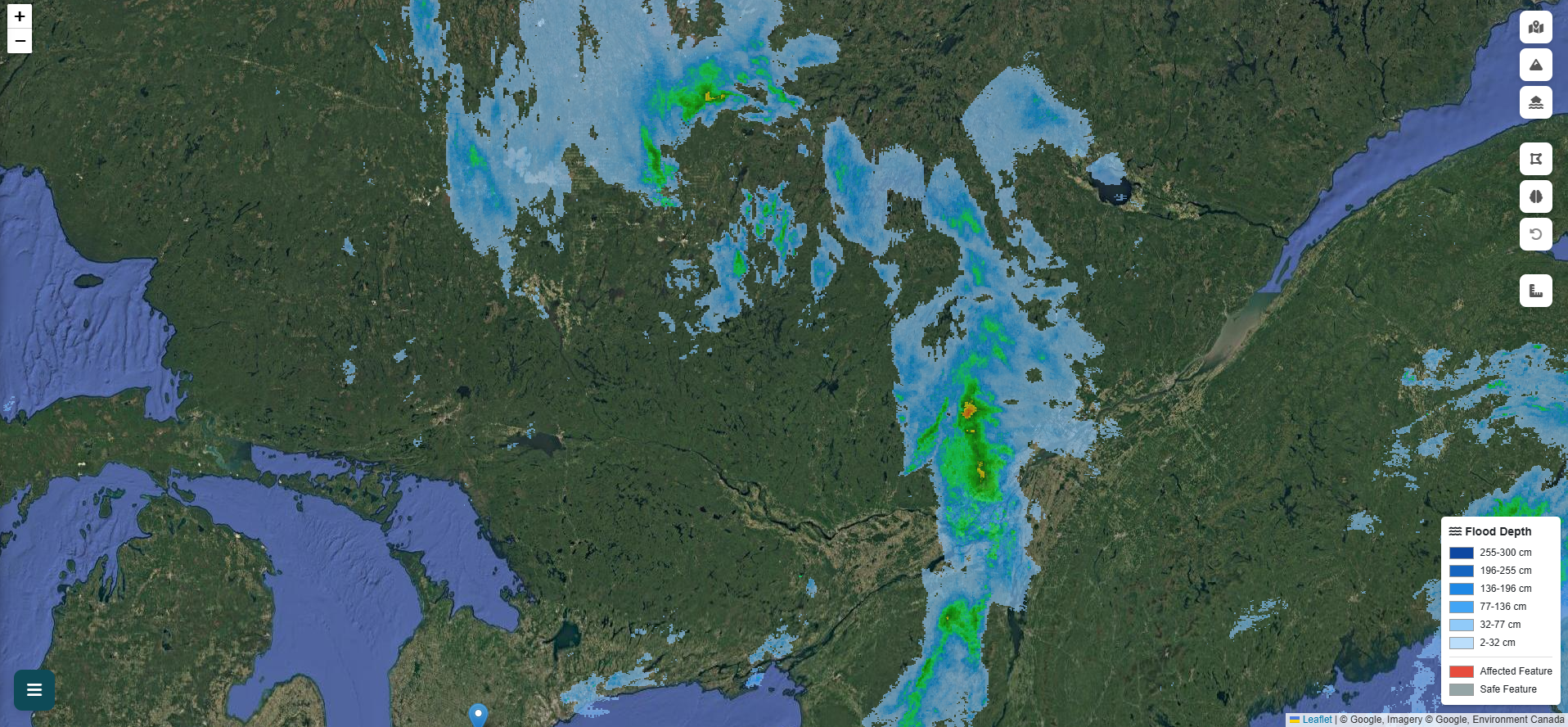
GeoSafe uses advanced terrain and rainfall analysis techniques to identify potential flood exposure and water accumulation patterns.
Canadian-informed data inputs

GeoSafe draws on publicly available Canadian datasets across several categories to support screening assessments.

Terrain Data
Elevation and topographic data from publicly available Canadian sources where coverage exists.
Weather Data
Precipitation, radar, and weather information from publicly available Canadian meteorological sources.
Hazard Data
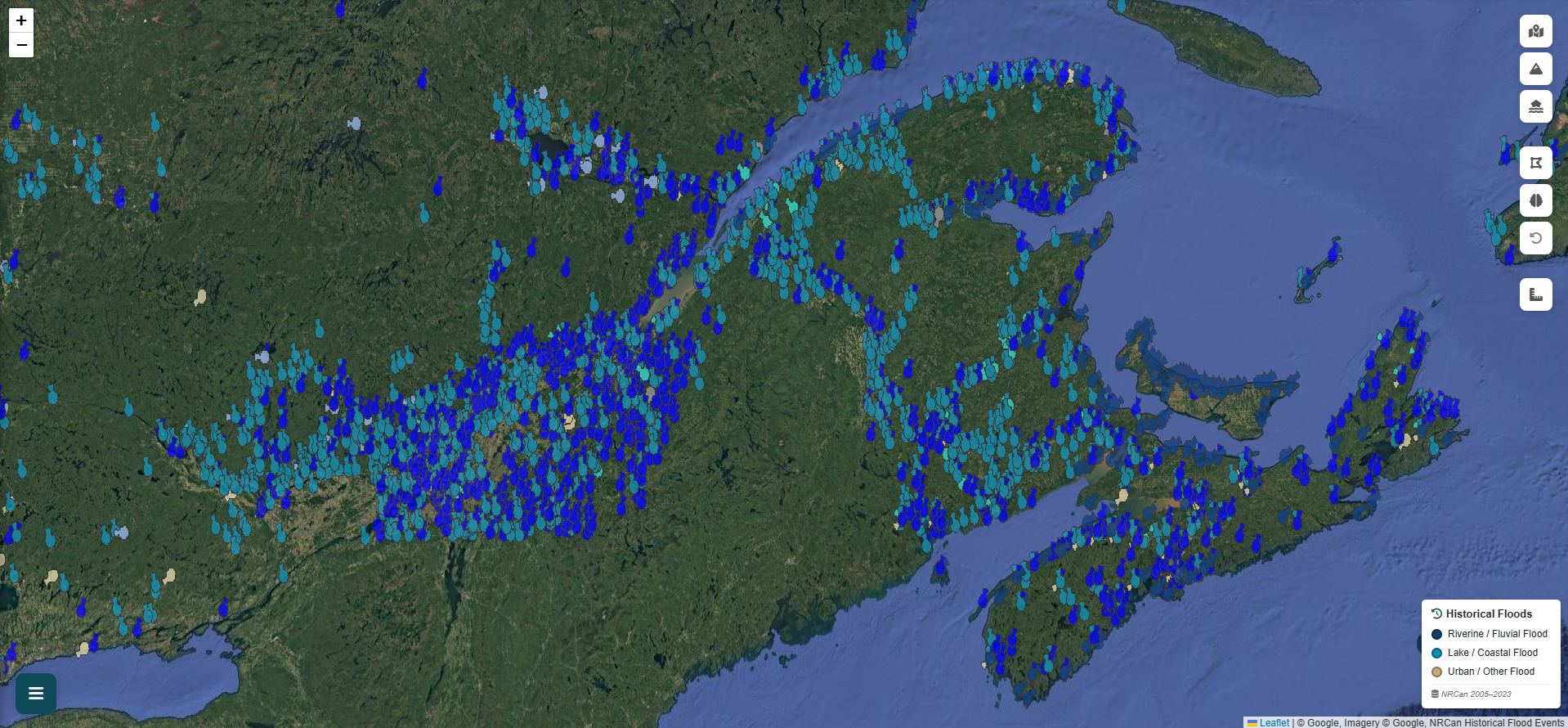
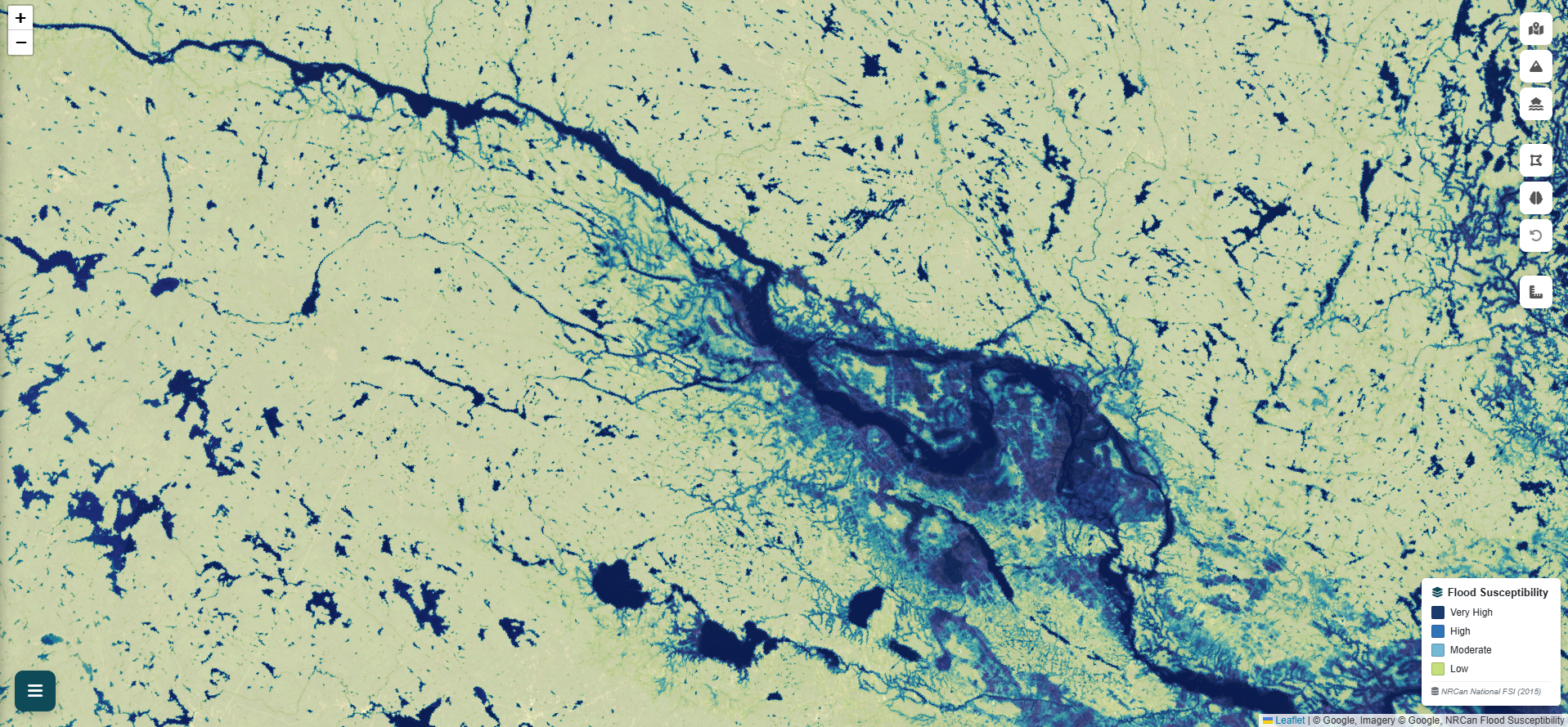
National flood susceptibility, historical flood records, and other publicly available hazard reference layers.
Infrastructure Data
Road networks, waterway geometries, and built environment features from public geospatial datasets.
Property Data
Building footprints and property information from publicly available geospatial sources.
Public Geospatial Datasets
Landcover, climate, and additional reference datasets from open Canadian and international sources.

See the data layers in action

Each data source is accessible as a live toggle inside GeoSafe — no separate downloads or logins required.

NRCan Flood Susceptibility Index
Current Year & Historical Floods
Live Radar & Weather Alerts
Hydrometric Stations
Landcover, Active Fires & Earthquakes
Open the Map
Flood Susceptibility
Flood Susceptibility Index — NRCan
Live Radar
Live Radar — Env. Canada
Current Floods
Current Year Floods — NRCan
Weather Alerts
Weather Alerts — Env. Canada

Frequently asked questions

What kind of flooding does GeoSafe assess?
GeoSafe supports screening for rainfall-driven surface flooding and flood exposure near mapped waterways. The platform uses available terrain, rainfall, waterway, and hazard information to help identify areas that may require further review.
How accurate is the flood analysis?
GeoSafe is a screening-level decision-support tool. It is designed to help identify potential flood exposure and prioritize areas for further investigation. Results should be treated as indicative, not definitive. Site-specific engineering or regulatory decisions should be reviewed by a qualified professional.
What terrain data does GeoSafe use?
GeoSafe uses available Canadian terrain datasets where coverage exists. Data resolution and quality may vary by location. The selected data source and resolution are shown in the assessment output where available.
What is a depth-impact method?
A depth-impact method estimates how potential flood depth may relate to building or property impact. GeoSafe uses publicly available depth-impact approaches to support preliminary exposure screening. These results are intended for decision support and should not be treated as final valuation, insurance, or damage assessment.
Can I upload my own terrain data?
Yes. Selected users can upload custom terrain and landcover data for project-specific analysis. Custom uploads can support more detailed screening where higher-quality local data is available.
Is GeoSafe available across Canada?
GeoSafe is designed for use across Canada. Data quality varies by region depending on available terrain, weather, building, and hazard datasets. Areas with higher-resolution public data may produce more detailed screening outputs.
How long does an assessment take?
Assessment time depends on the size of the study area, available datasets, and system demand. Smaller areas are generally processed faster, while larger areas or more detailed assessments may take longer.
How do reports work?
GeoSafe reports summarize the selected area, available datasets, flood exposure indicators, affected assets, maps, and decision-support notes. Report access and usage limits depend on the selected account or project arrangement.

Ready to run your first assessment?

Create a free account and see GeoSafe in action — no credit card required.

Get Started Free Request a Quote